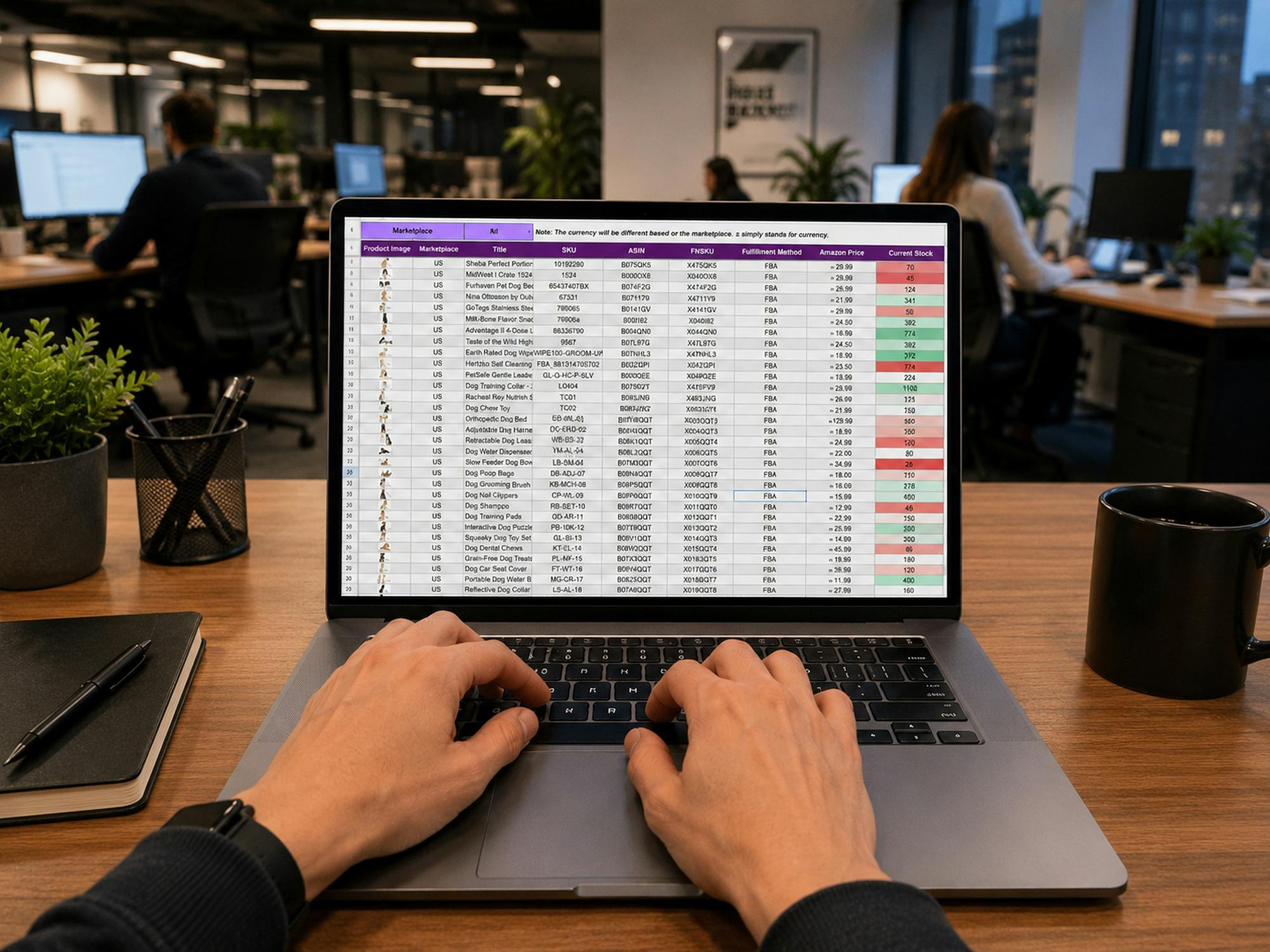
When Excel Becomes Extra Work
Excel is a familiar starting point for tracking employee training. It’s affordable, flexible, and most people already know how to use it.
But as teams grow, manually managing certifications, completion dates, and compliance records gets exponentially harder. What started as a simple spreadsheet becomes a full-time job for someone on your team.
If your training spreadsheet has become extra work, it might be time for a new approach.
Here are five alternatives that can improve visibility, reduce administrative work, and simplify reporting.
Three Alternatives to Excel for Training Records
Option 1: HR Management Systems (HRIS)
Best for: Organizations wanting employee records and training information connected.
Benefits: Centralized employee data and potential integration with payroll and other HR processes.
Limitations: Training features vary by platform. Advanced tracking may require additional modules and extra costs.
Option 2: Learning Management Systems (LMS)
Best for: Organizations that deliver online courses and need to track learner progress.
Benefits: Course delivery, completion tracking, assessments, and built-in reporting.
Limitations: May offer more features than you need if your primary goal is tracking records and certifications.
Option 3: Dedicated Training Tracking Software
Best for: Teams focused on training records, compliance, certifications, and audit readiness.
Benefits: Centralized records, automated reminders, compliance tracking, streamlined reporting, and clear accountability.
Limitations: Subscription costs and setup time, with features varying by provider.
Key takeaway: The best alternative solves your biggest training management challenges without adding unnecessary complexity.
Look Beyond the Price Tag
When comparing options, consider these factors:
- Automation: Can it send reminders and flag upcoming deadlines, or are you still doing that manually?
- Reporting: Can you quickly identify overdue training and produce audit reports?
- Scalability: Will it support additional employees, locations, and requirements as you grow?
- Ease of use: Can your team adopt it without extensive training or IT support?
- Total cost: Consider subscriptions, setup fees, add-ons, and the staff time spent maintaining records
The pain: A free spreadsheet can still cost hours of administrative work every week.
The outcome: The right tool reduces manual effort and makes training status easier to understand.
Make the Switch Without the Headache
Ready to leave Excel behind? Here’s how to migrate without losing records:
- Audit existing spreadsheets and remove outdated or duplicate records
- Identify required employee, training, completion, and certification data
- Choose a platform that fits your requirements and budget
- Import records and verify their accuracy before retiring the old spreadsheet
- Train staff and managers on the new process
- Set a date to transition away from the old system fully
A clear migration plan prevents missing records and keeps training operations running smoothly.
Choose a System That Works for You
Excel can work for simple tracking, but growing compliance needs often call for a more specialized solution.
Compare your options based on features, total cost, and the time they save. Choose a system that supports accurate records, clear accountability, and easier audit preparation.
Ready to leave training spreadsheet chaos behind?
If your team spends too much time updating spreadsheets, chasing completions, and preparing reports, Training Tracker may be the solution you’ve been looking for.
Training Tracker helps organizations manage training records, monitor compliance, and improve visibility into employee training progress.
Book a 15-minute Discovery Call to see how Training Tracker can simplify your training management:
👉 https://calendly.com/trainingtracker/15-minute-consult
Less time managing spreadsheets. More time managing training.