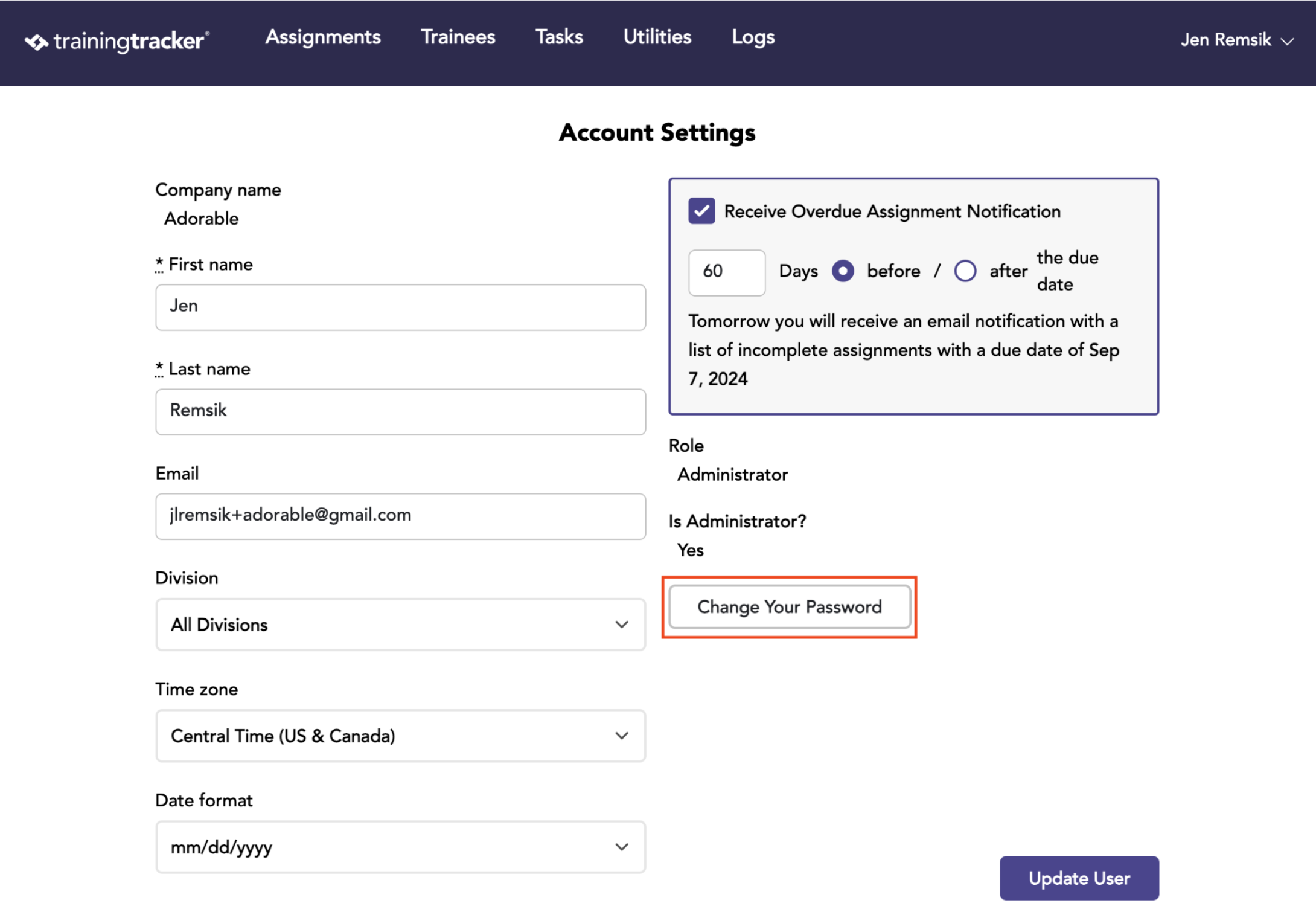
Use and edit your account settings.
Overview
- You will be able to end your name, email address, divisions, and time zone.
- You will be able to set your performances for the Overdue Assignment Notification.
- You will be able to select your preferred date format.
- And you will be able to change your password.
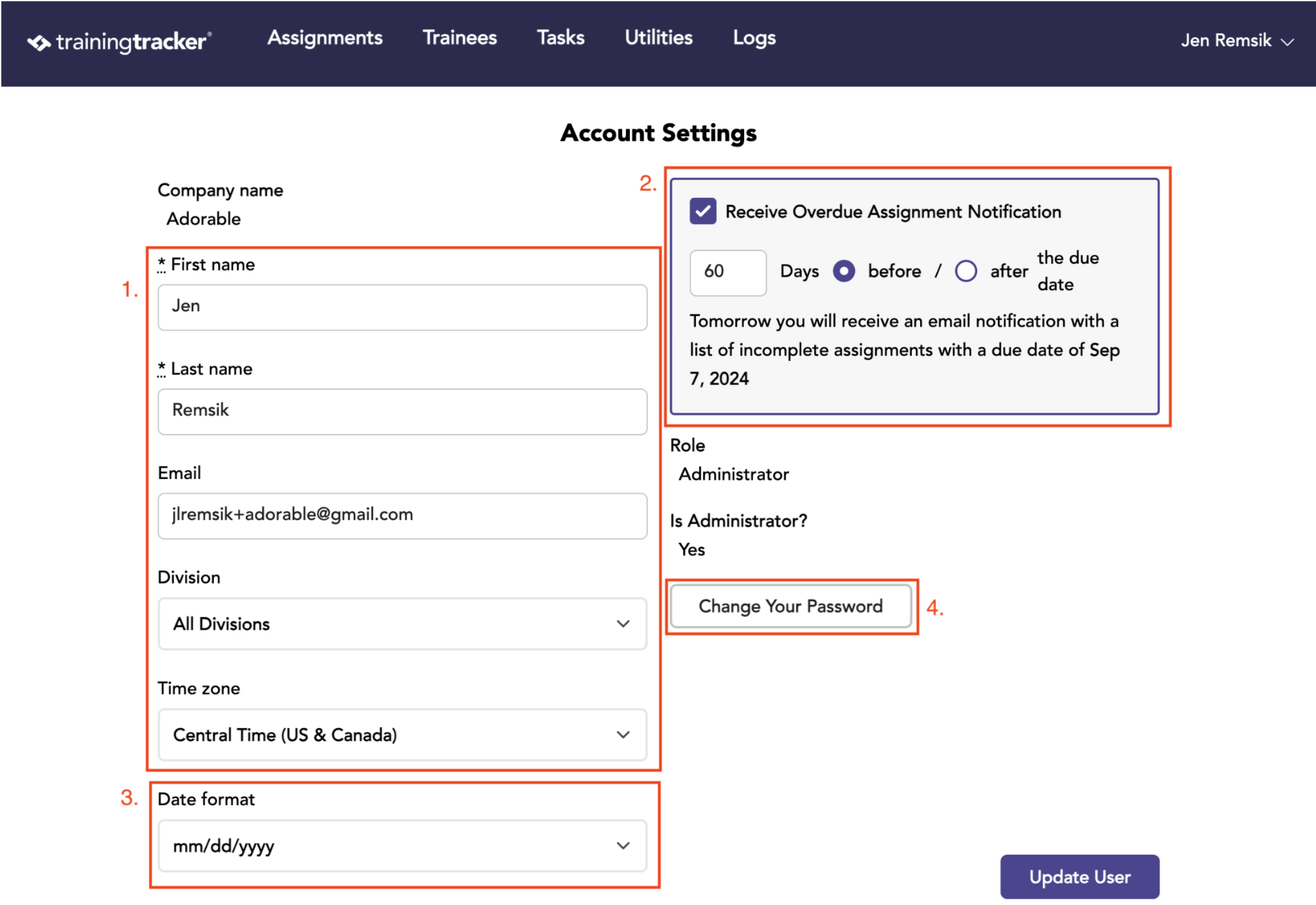
Select Account Settings from the dropdown next to your name in the upper right corner.
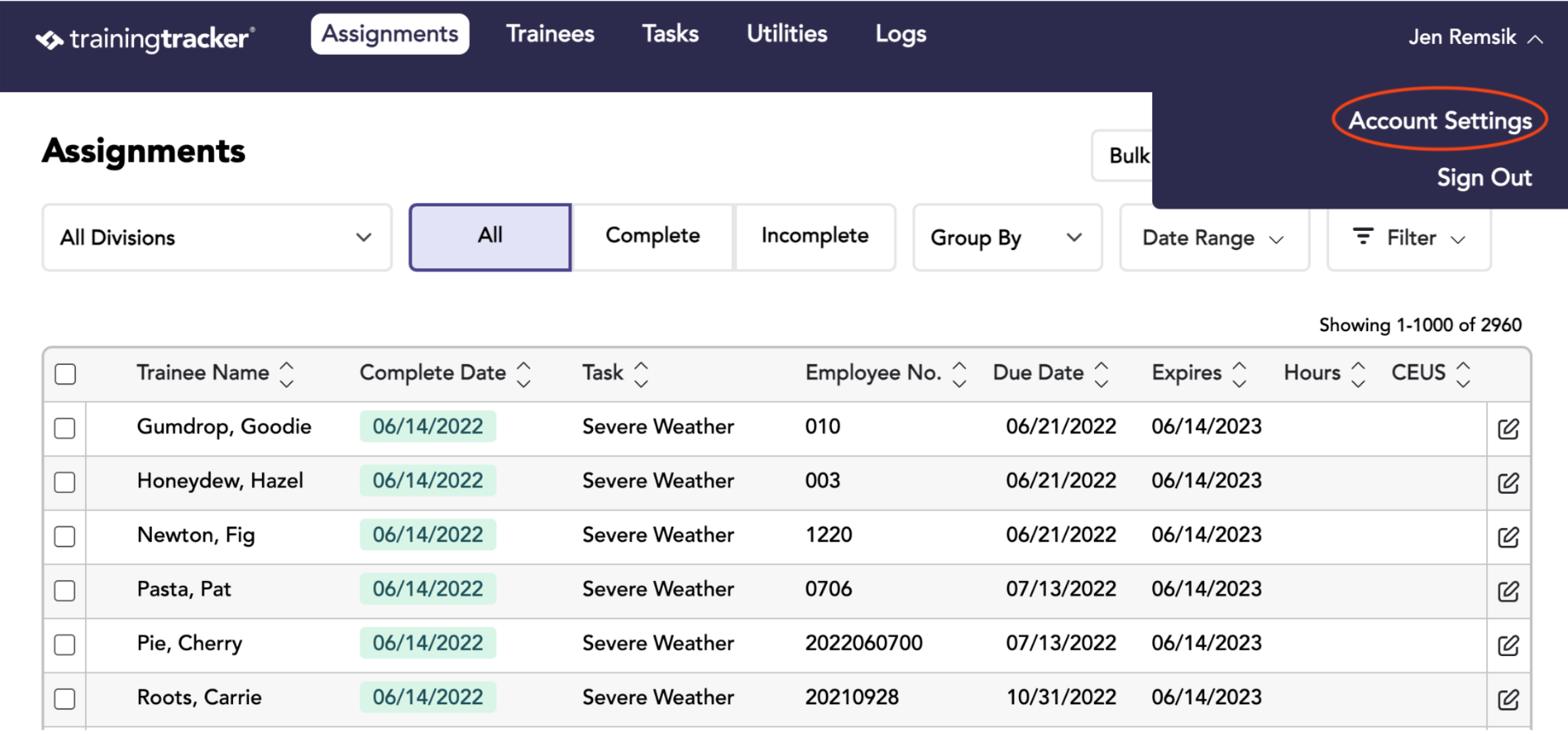
You can edit your First & Last Name and Email Address.
You can change the Division and Time Zone from the dropdowns.
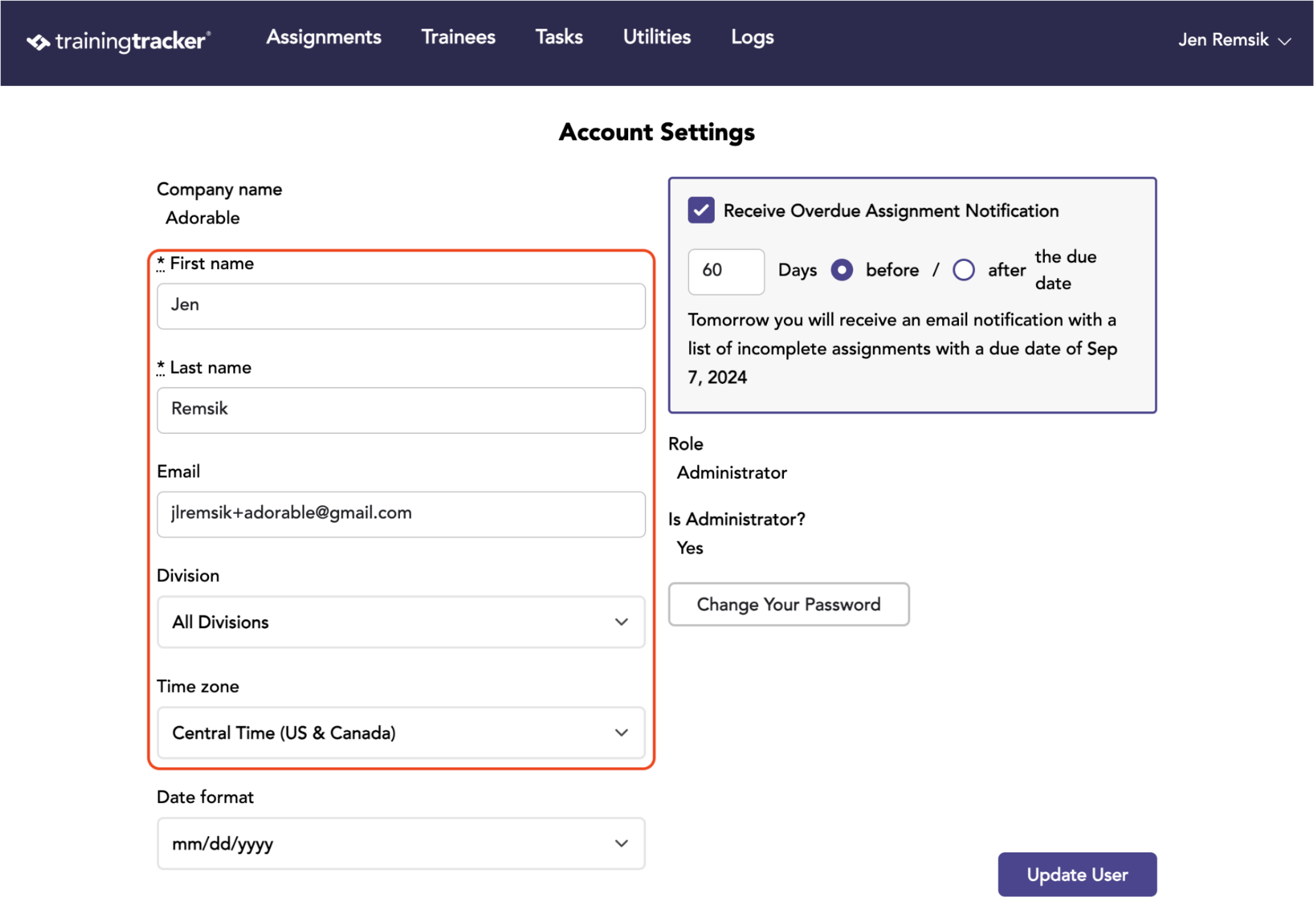
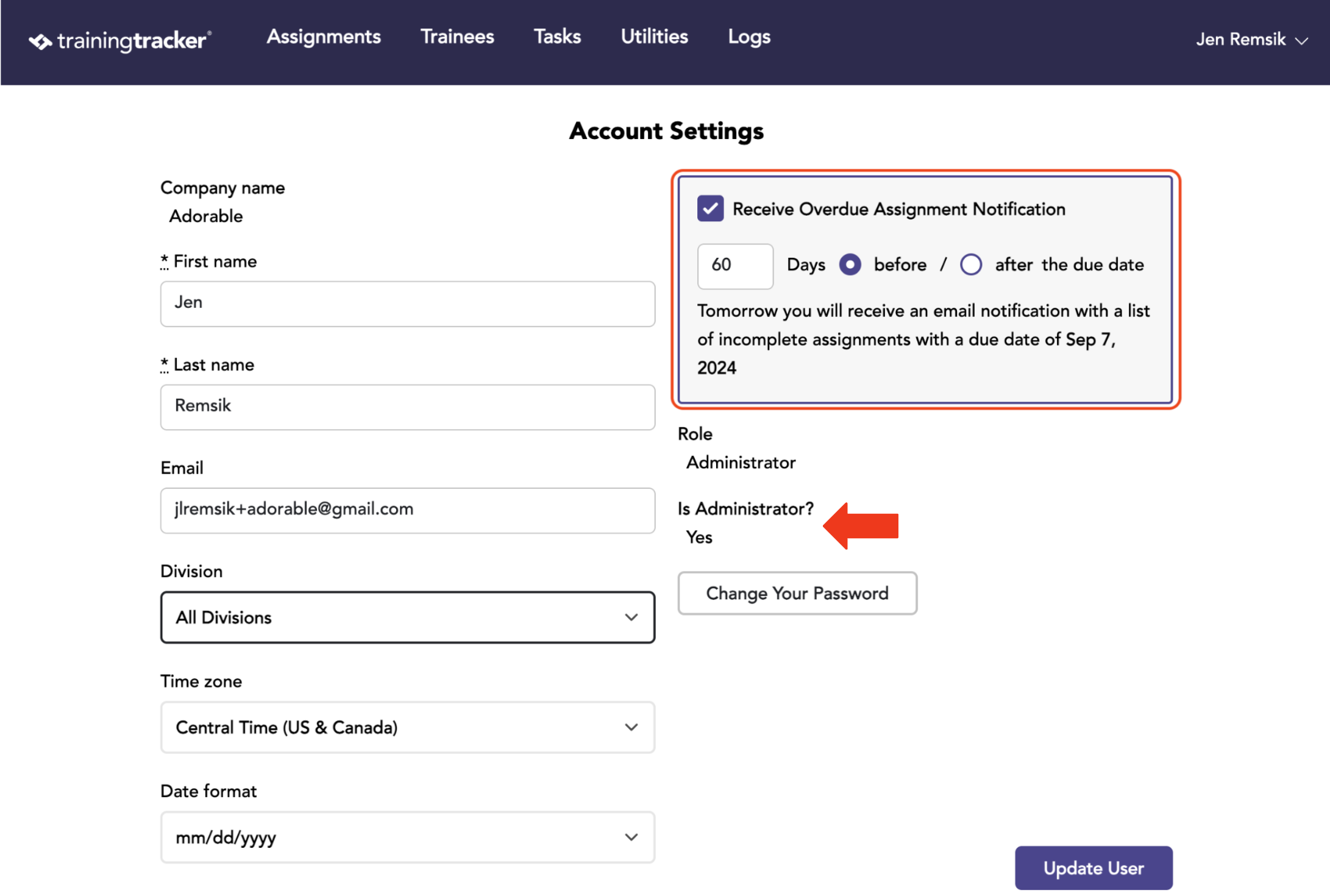
These alerts will go to any user with admin status. To check your status, reference Role and Is Administrator?
This is also where you can opt out of receiving these alerts.
You can customize alert timing, and you will receive an alert email before the task’s due date.
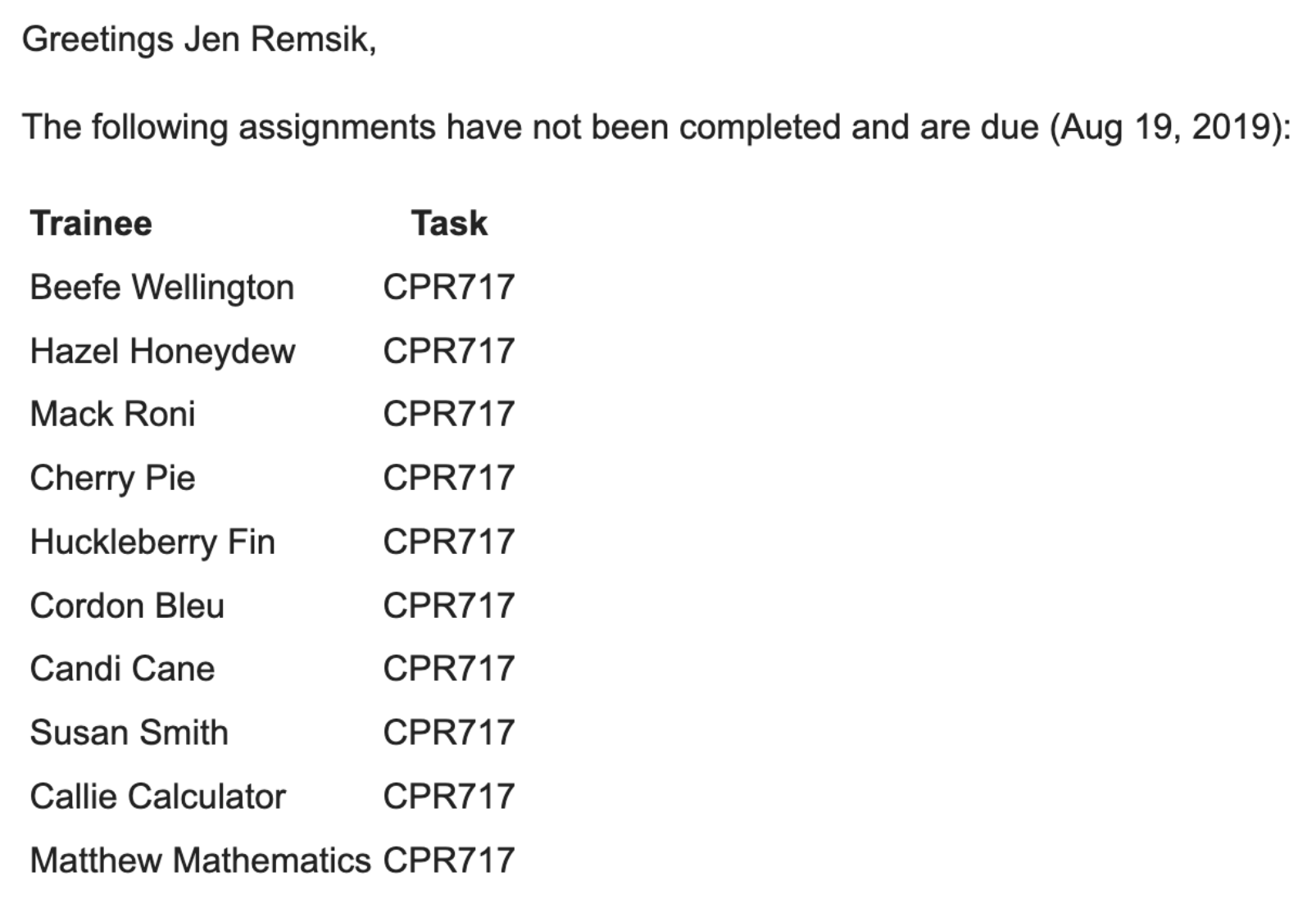
Here’s a sample of that alert notification email. You will receive a list of the Trainees and the Tasks with the Noted Due. This way, you can take the next steps needed with this information.
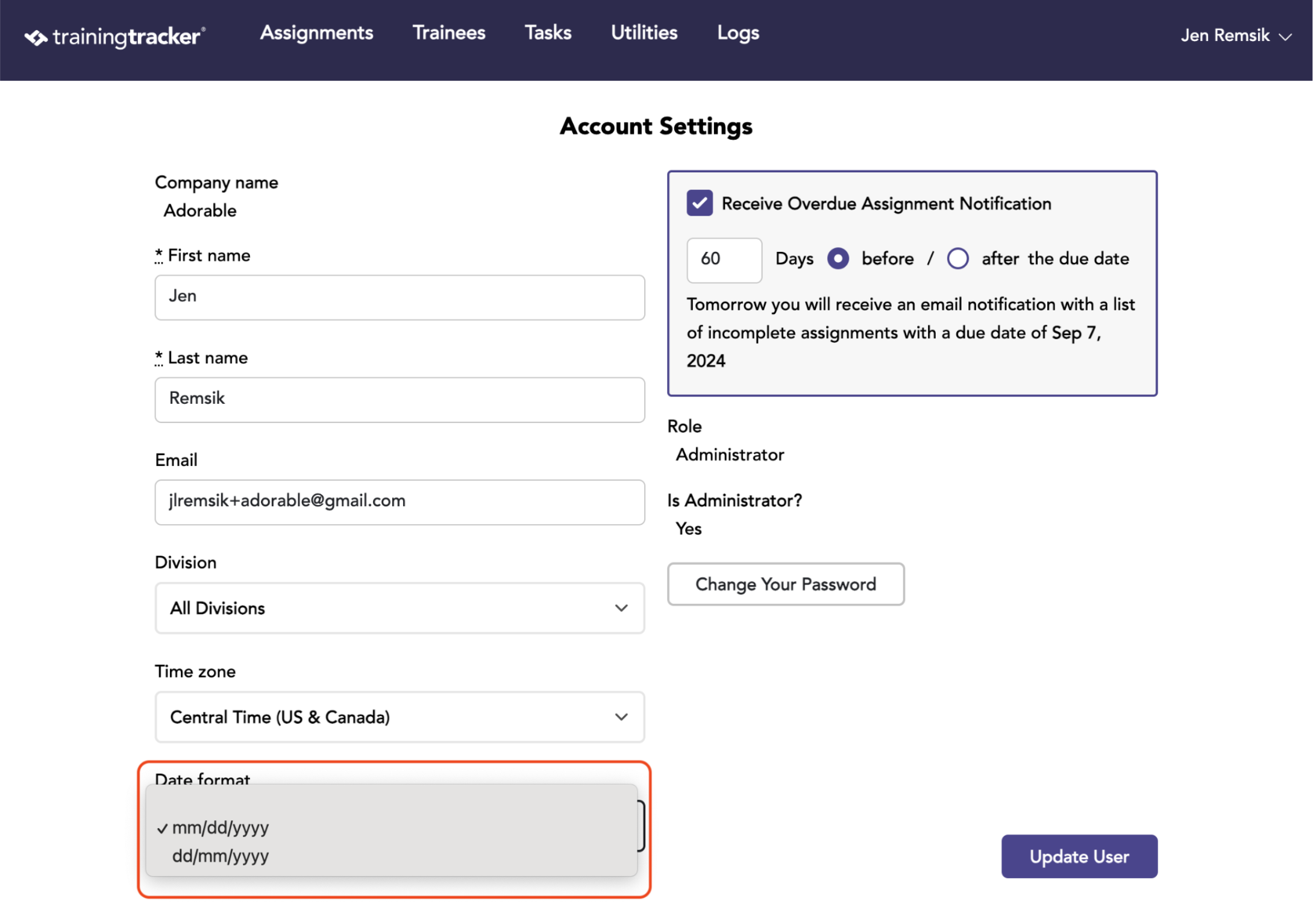
Here you can select your preferred date format. You can select either mm/dd/yyyy or dd/mm/yyyy.
Lastly, you can change your password as needed. Click the Change Password button and the system will walk you through the steps.